
Skip to content
English
  • There are no suggestions because the search field is empty.

Accessing SMS Conversation Threads

The Recents view allows you to quickly locate and open SMS conversations with customers. You can filter your recent interactions to display only SMS messages and then open the conversation thread for review or response.

Open an Existing SMS Thread

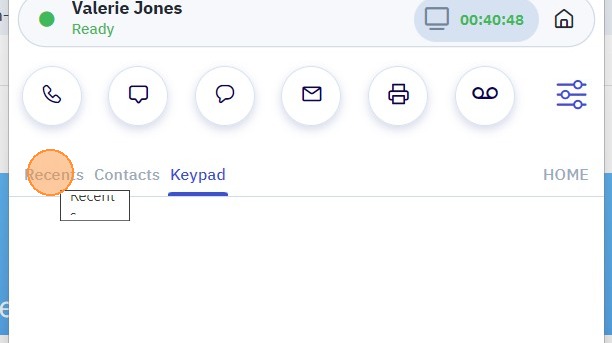
1. Navigate to the Recents tab.
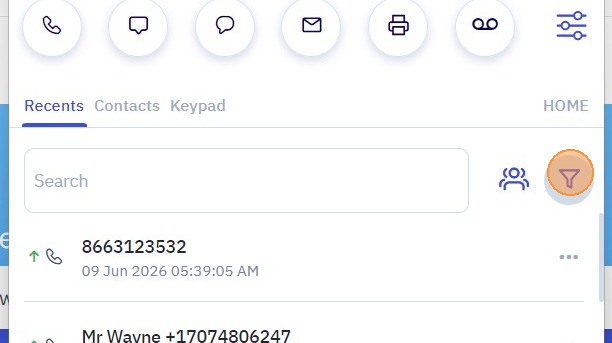
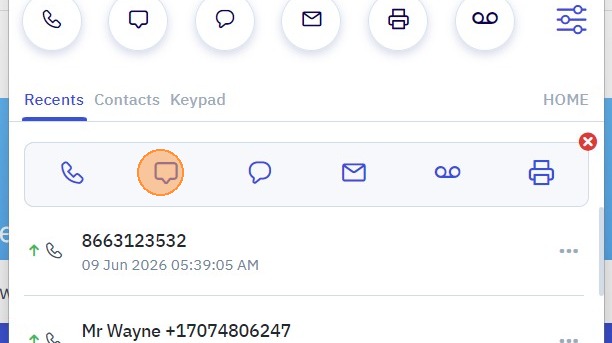
2. Use the Filter option and select SMS to display only text message conversations
3. Locate the contact of phone number whose conversation you want to view.

4. Click the SMS message icon next to the contact.
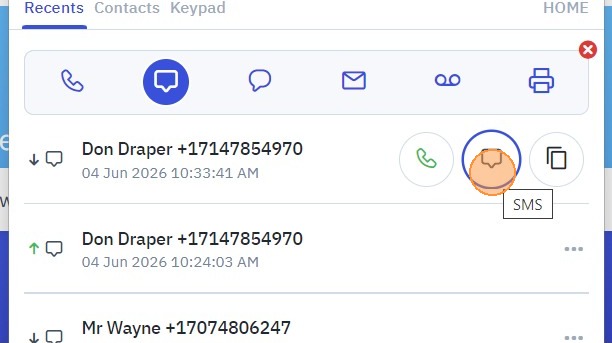
5. The SMS conversation thread will open, displaying the full message history.
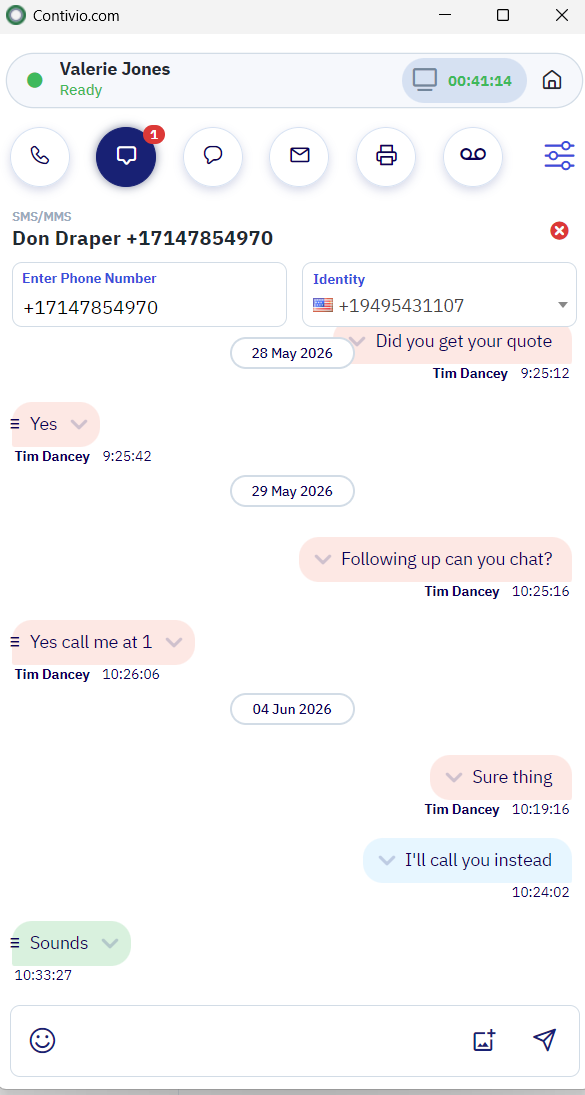
Screenshot 2026-06-11 104353